


In the earlier posts in this series, we covered documenting your system, evaluating customizations, and cleaning your data. Each of those steps builds a stronger foundation for any future SaaS move. Now we shift to Step 4 of the “10 Steps to Get Your PeopleSoft System Ready to Move to a SaaS Solution” series: Modernize Your Integrations.
Integrations are the circulatory system of your ERP. They move data in and out, keeping your business processes running. But many organizations still rely heavily on file drops, batch jobs, point-to-point scripts, and brittle custom code. These older patterns work inside PeopleSoft, but they don’t translate well to SaaS.
A SaaS ecosystem expects APIs, events, webhooks, and real-time data sharing. Modernizing your integrations early not only simplifies a migration but also sets you up for hybrid coexistence, where PeopleSoft and SaaS tools can run together cleanly for years.
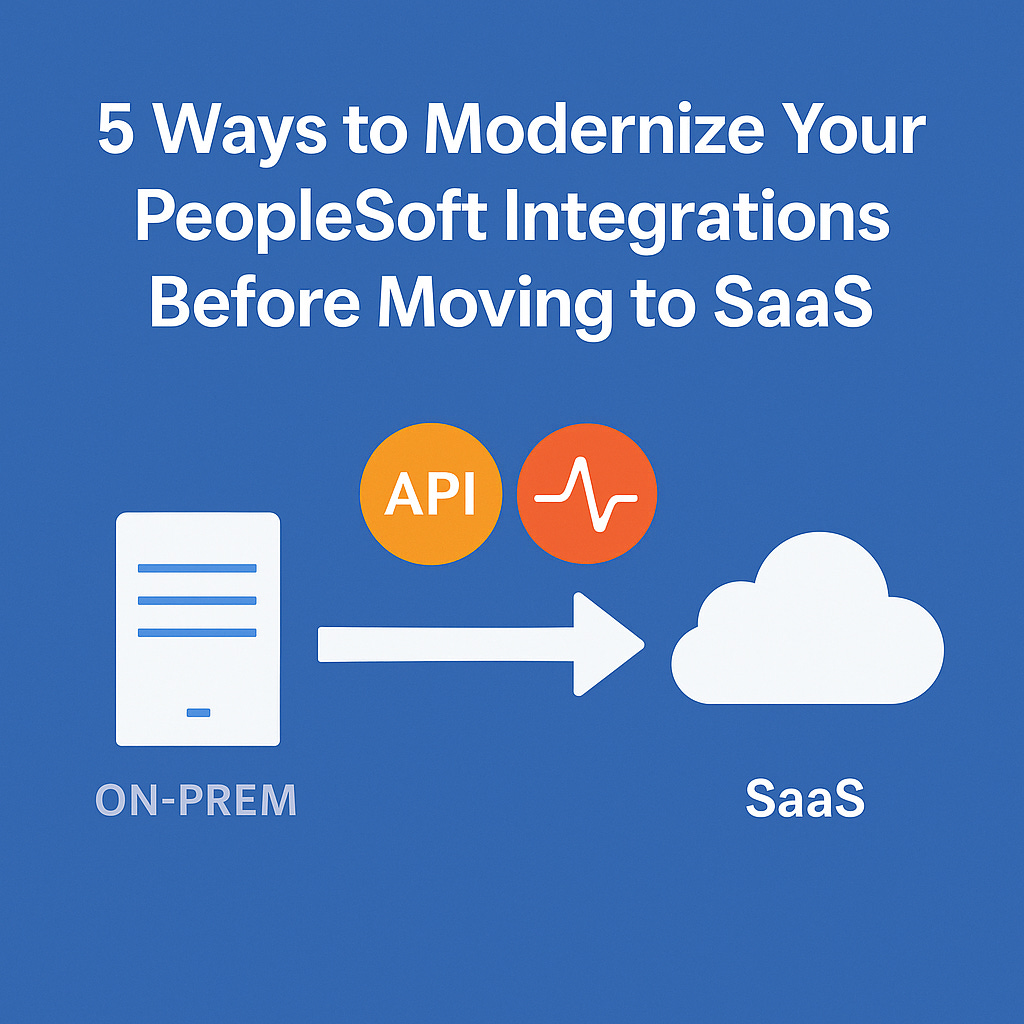
Here are five practical ways to modernize your integration landscape now, while you still have complete control.
1. Move Away From Flat Files and Batch Transfers
For decades, PeopleSoft teams have relied on CSV files, SQRs, or scheduled jobs that move data via shared drives or SFTP. SaaS systems don’t handle this pattern well, and it creates timing, latency, and reconciliation issues. Start identifying where developers can replace batch transfers with APIs or near-real-time delivery. Even if not everything can be modernized immediately, shifting your mindset away from file-based movement is a big win.
2. Adopt REST and Event-Based Integrations Where Possible
PeopleTools now supports REST services, JSON payloads, and event triggers. All of these align far better with SaaS platforms. Look for opportunities to publish or consume REST APIs instead of SOAP or custom integrations. If you’re using Integration Broker, begin building event notifications and subscription handlers. By switching to modern patterns now, you’ll avoid rebuilding everything during migration.
3. Document Integration Contracts and Data Flows
Most organizations have integrations that “just work” but aren’t really documented. For SaaS, you need to know exactly what data flows where, in what format, at what frequency, and under what rules. Capture each integration’s contract: inputs, outputs, transformations, dependencies, and failure paths. This documentation will become critical when validating SaaS vendor capabilities or determining what needs to be rebuilt.
4. Introduce a Middleware Layer (If You Don’t Have One)
A significant mistake organizations make is tying SaaS and PeopleSoft directly together. Modern enterprises rely on middleware tools such as MuleSoft, Boomi, SnapLogic, Oracle OIC, and even lightweight API gateways. This keeps business logic, transformations, and routing outside of either ERP system. By introducing a middleware layer now, you reduce coupling, centralize monitoring, and make your future SaaS integrations dramatically easier to build and maintain.
5. Make Integration Monitoring Part of Your Standard Practice
Older PeopleSoft integrations often have limited visibility. Cron jobs fail silently. Files don’t arrive. Logs get ignored. SaaS integrations require strict observability. You will need to know what ran, what didn’t, where payloads went, and how PeopleSoft Administrators should handle errors. Begin adopting centralized dashboards, alerts, and retries so your integration ecosystem behaves like a modern system before SaaS even arrives.
🎯 Why This Matters
If customizations make PeopleSoft unique, integrations make it interconnected. Modernizing them before a SaaS transition reduces risk, lowers costs, and shortens timelines. More importantly, it enables hybrid coexistence, where PeopleSoft continues to operate alongside SaaS systems without becoming a bottleneck.